Is Google Cloud ready for humans?

Google Cloud is a rock-solid, cost-effective, and easy to use cloud platform where we can run our workloads from simple to complex as Gmail is for Google. Is the platform ready for most developers’ use cases? How GCP documentation is? Does it worth use it? Let's discover together all those and more questions.
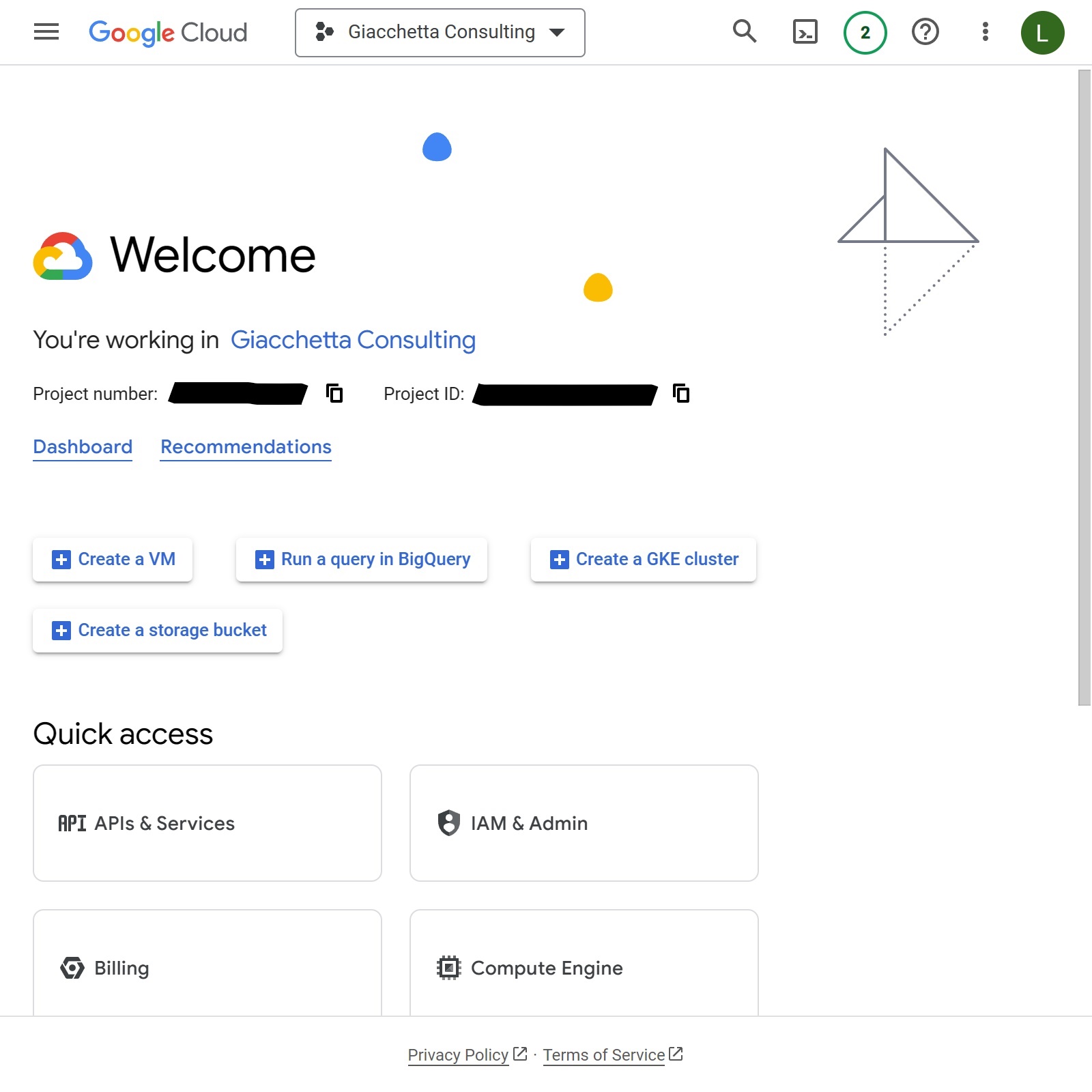
Discover the Console
After you access Google Cloud Console and accept the terms and conditions for using this service, you will see an image like you see above. This is the welcome screen where you “supposed” to understand how to proceed from now and on. Yes, we agree that this welcome page is not a warm welcome, but this post is about that, right.
First question, Is Google Cloud ready for humans? The short answer is yes!! But, there is always a but, why is not popular among the others? (I’ll avoid talking about the “others cloud” because I don’t have the complete expertise to make a solid opinion and I’m not doing this as a clickbait post). I think it’s because the platform is oriented to System Administrators looking to migrate their on-premises services to the Cloud so that explain a lot how everything is placed inside the dashboard.
You will see more traditional services like Virtual Machines (Instances), Storage Solutions (Block Devices and Buckets), Managed SQL, Load Balancers, Managed Certificates, and a lot of solutions commonly used for a System Administrator who used all of them for all internal services. Developers, on the other hand, are focused on deploying and getting the app working without taking care of all the above.
This post and all newcoming posts about Google Cloud, and maybe other services covered here, will focus on Development side-of-the-moon. As a DevOps and Cloud Engineer I work a lot with Developers in many projects so I think this will be helpfully for all of them try to understand better the “Cloud” and maybe how to avoid expensive SaaS like “**roku”.
Free vs Trial, where to start?
Basically, there are more options, but we are not going to cover it right now because are more complex, you have two free options to get started with Google Cloud.
The Google Cloud Free Program comprises the following:
- 90-day, $300 Free Trial: New Google Cloud and Google Maps Platform users can take advantage of a 90-day trial period that includes $300 in free Cloud Billing credits to explore and evaluate Google Cloud and Google Maps Platform products and services. You can use these credits toward one or a combination of products.
- Free Tier:All Google Cloud customers can use select Google Cloud products—like Compute Engine, Cloud Storage, and BigQuery—free of charge, within specified monthly usage limits. When you stay within the Free Tier limits, these resources are not charged against your Free Trial credits or to your Cloud Billing account's payment method after your trial ends.
If you are new, you must take the “90-day, $300 Free Trial” what happens first offer because this will cover all the services you will use to test the platform. Google gives you a U$S 300 to burn in one day or up to 90 days. If you didn’t use all of it within 90 days, you lost the remaining money. Sad right?
The “Free Tier” is always free, or at least Google changes it. It’s complex to explain in a post how this works because it covers a few services and in certain conditions. I’ll create a new post explaining better about this, with a few examples and a guide to understand the page where Google.